Servicekleber
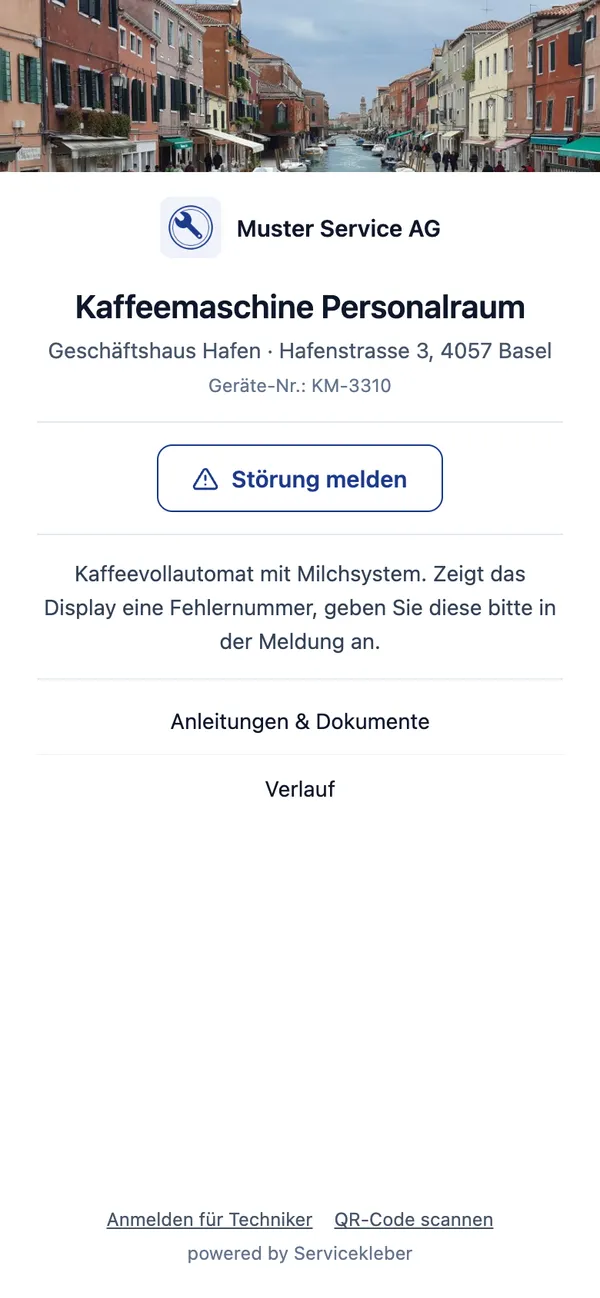
A QR code on the device. Whoever notices a fault scans and reports it – the service company knows right away which device it is about.
To Servicekleber →
For businesses that talk to their customers
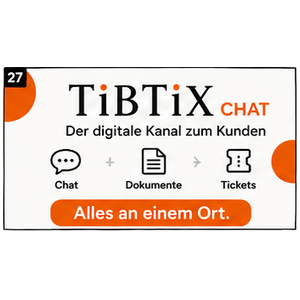
The digital channel to your customers.
Customers write straight from the browser. Your team answers and keeps track of open requests.
The chat goes to the Nexirius team. The first message needs no sign-in.
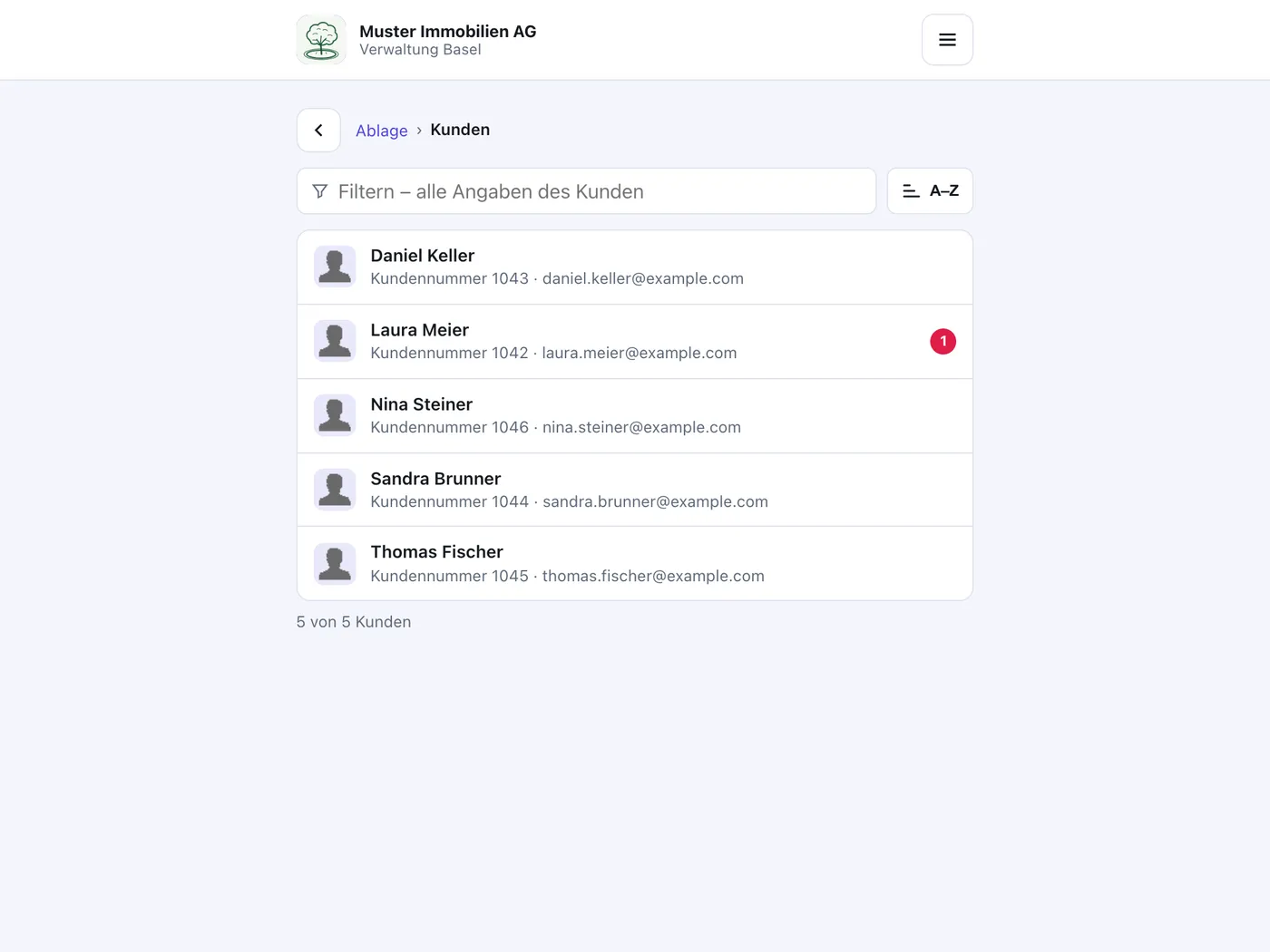
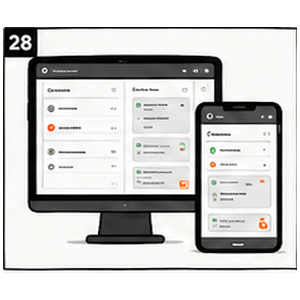
The same chat – on the customer’s phone and on your team’s screen.
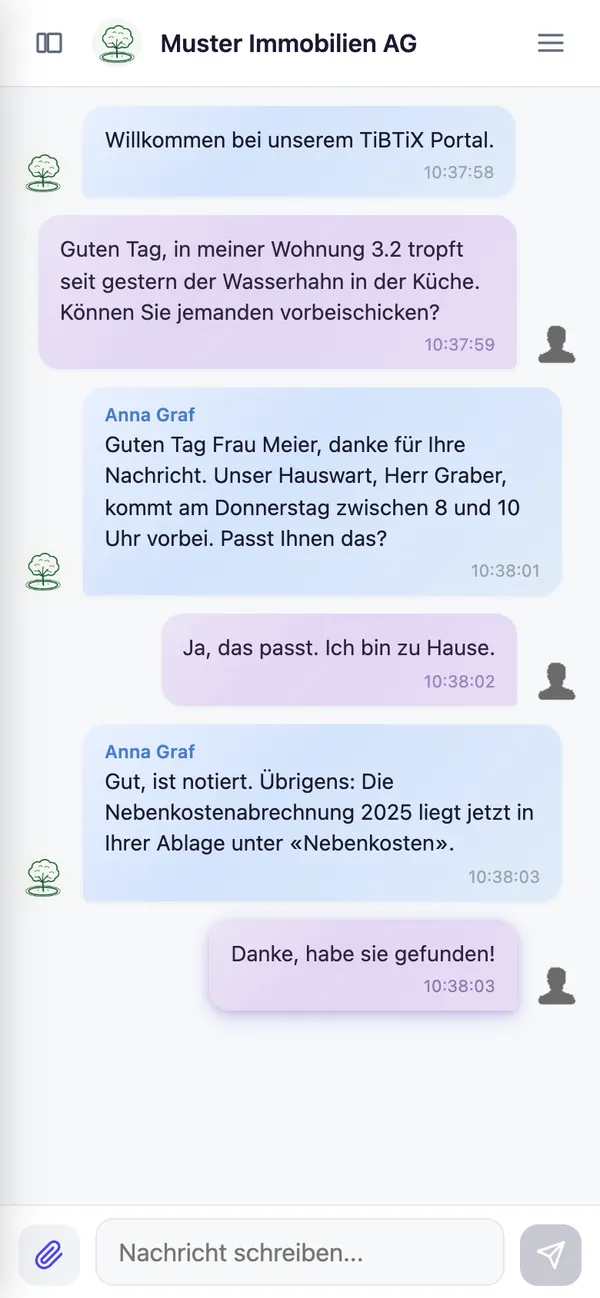
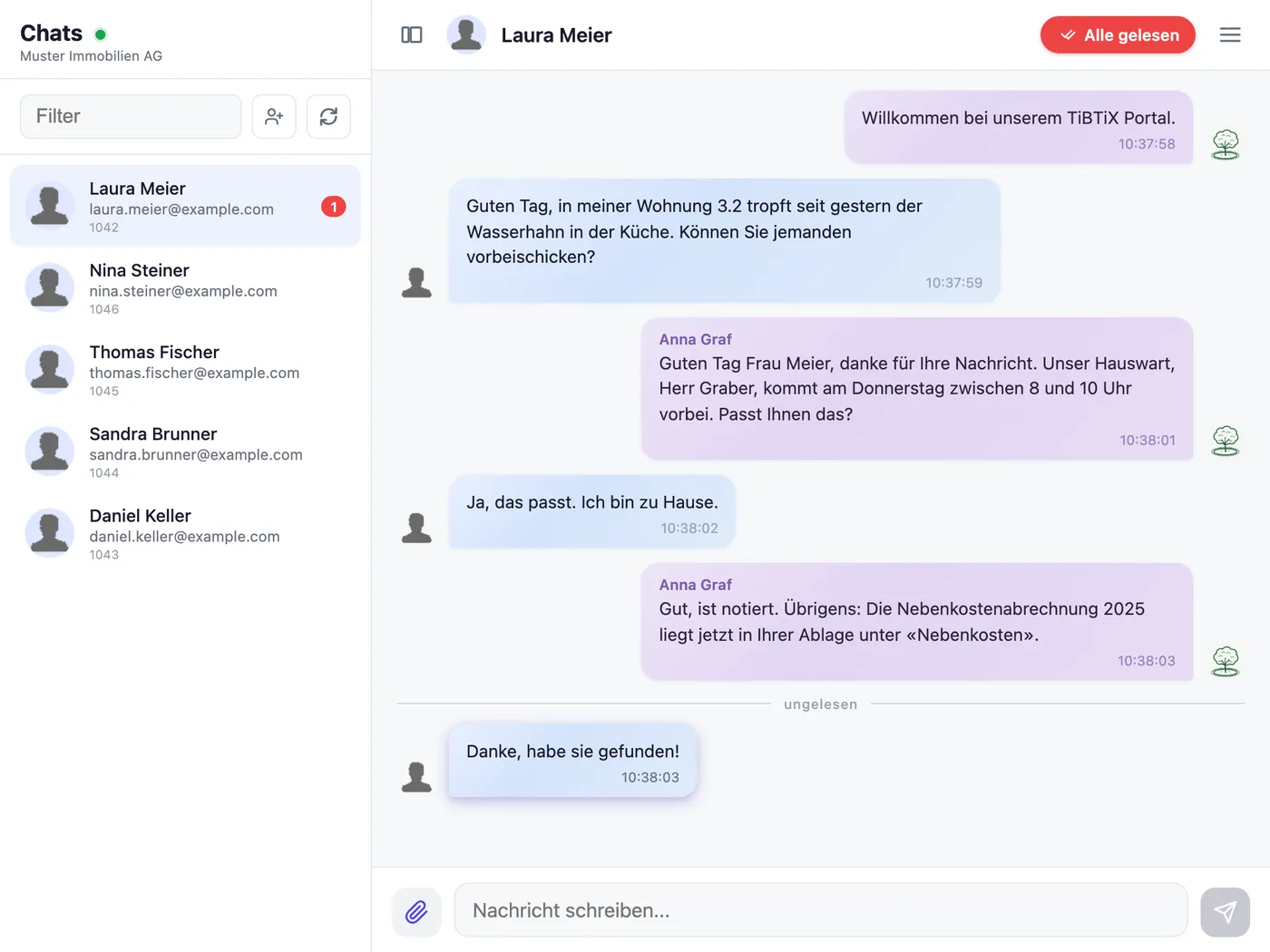
Sample data of the fictitious Muster Immobilien AG.
Through a link or a button on your website. The first message needs no sign-in.
Your team sees new messages in a shared list and answers in the same conversation. Questions and answers stay readable for both sides.
If a request needs more than an answer, your team turns it into a ticket with an owner and a status. The conversation with the customer goes on.
The channel starts where the request arises.
A QR code on the device. Whoever notices a fault scans and reports it – the service company knows right away which device it is about.
To Servicekleber →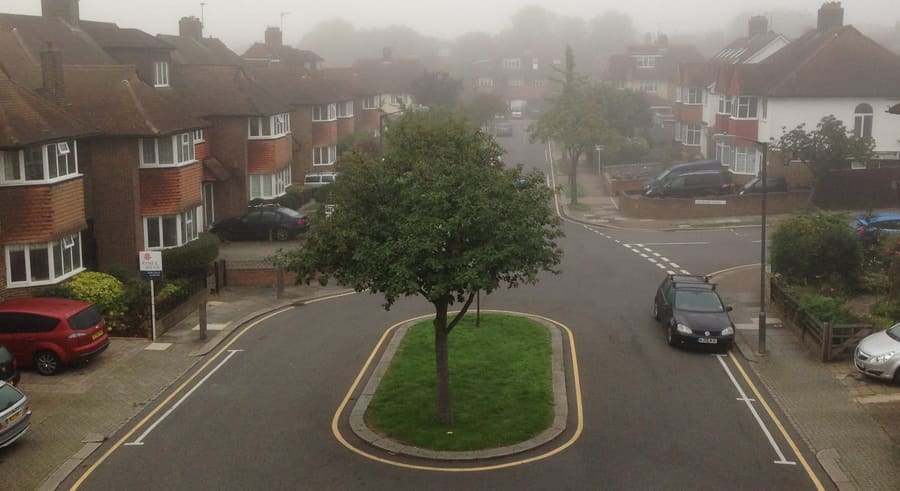
A QR code per flat or building. Residents reach the property management with the right reference.
To Wohnungskleber →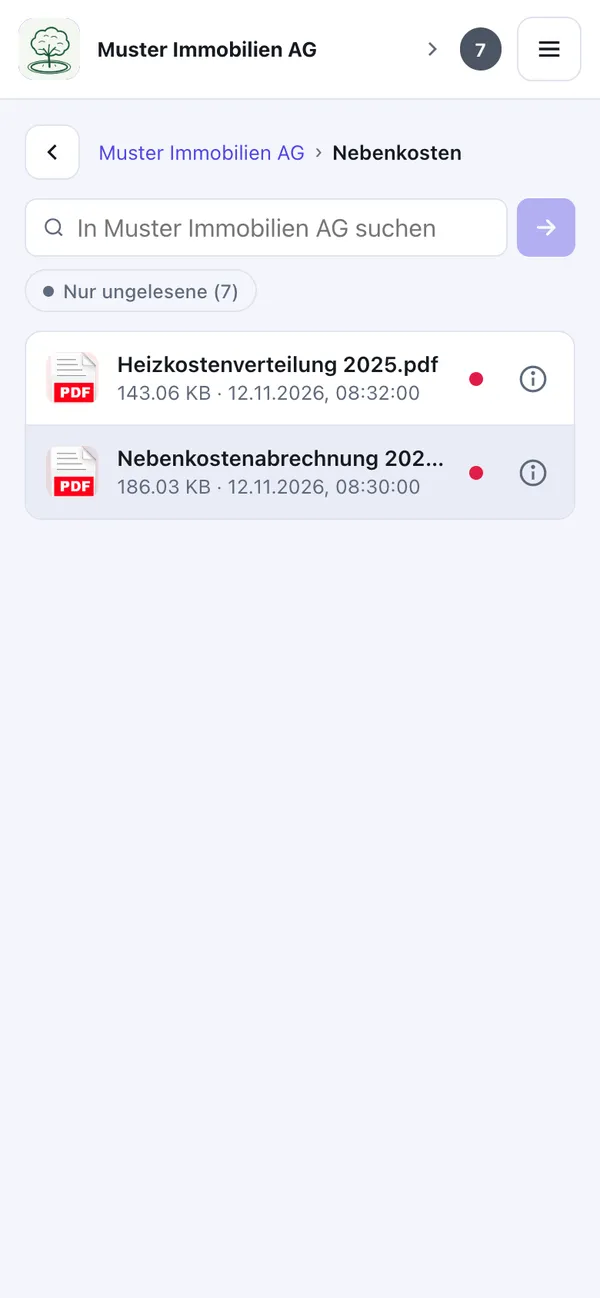
Sample data of the fictitious Muster Immobilien AG.
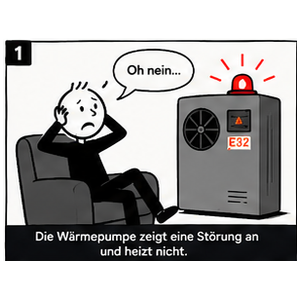
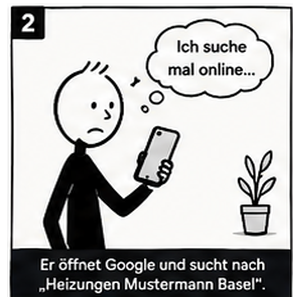
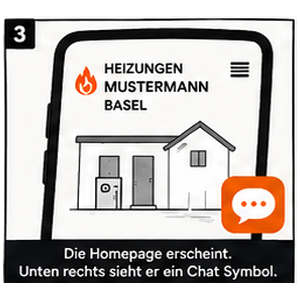
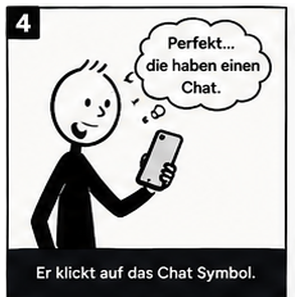
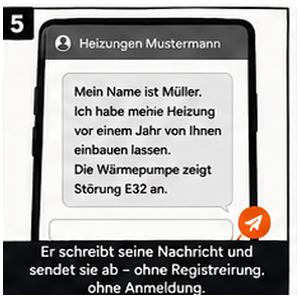
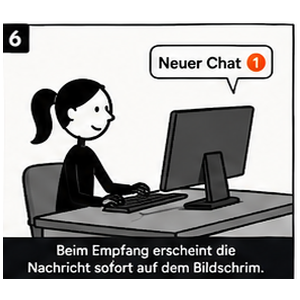
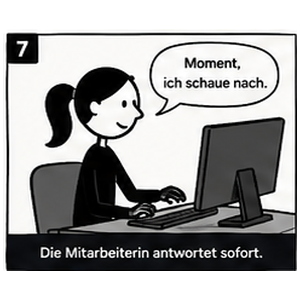
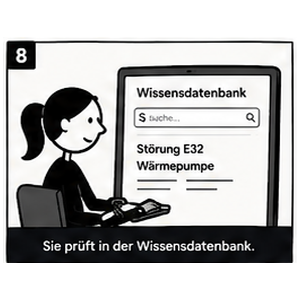
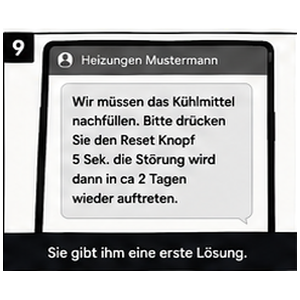
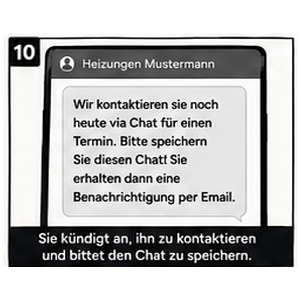
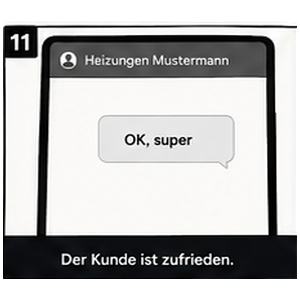
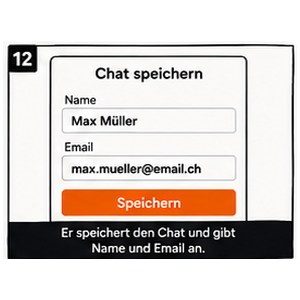
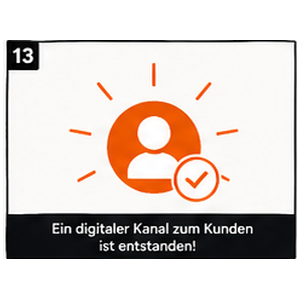
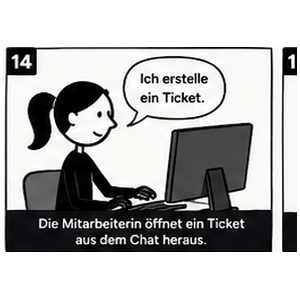
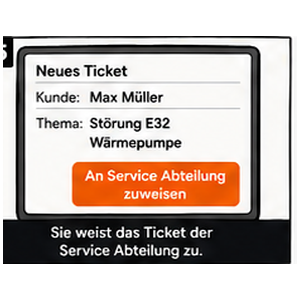
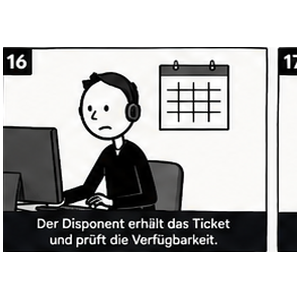
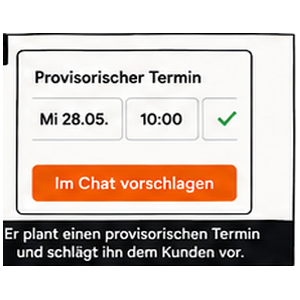
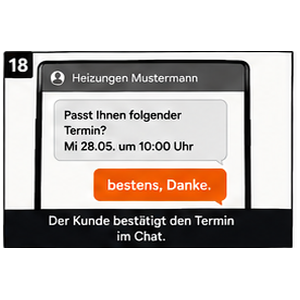
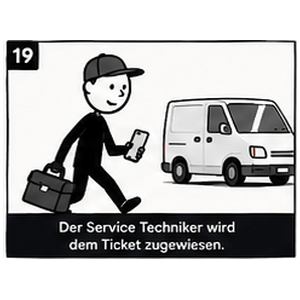
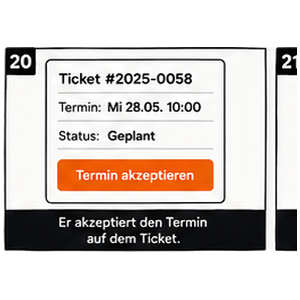
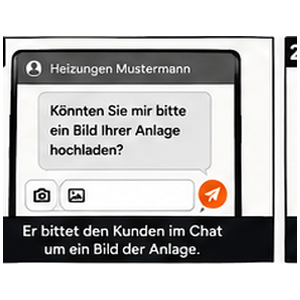
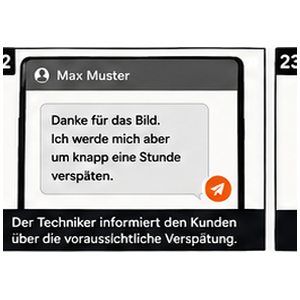
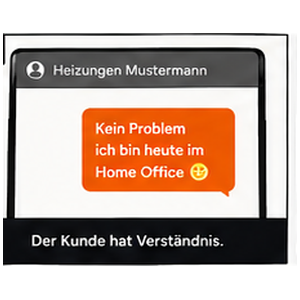
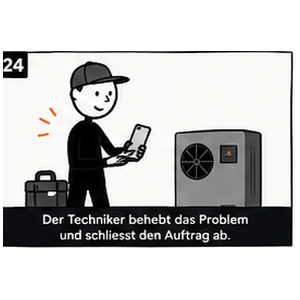
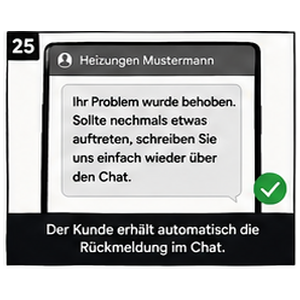
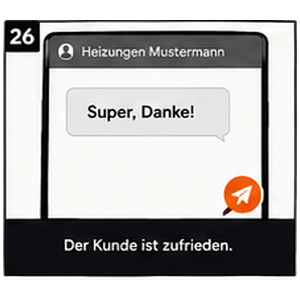
In 30 panels from the question to the finished job.
A customer reports a fault in the chat – without an account. On your side it becomes a ticket, the technicians schedule the visit, and everybody stays in the same conversation.
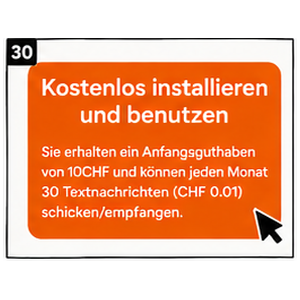
We will publish prices once the offer is settled. Until then we start with an accompanied pilot: we set up your account together, and you work with real customers.
One sentence in the chat is enough, for example: “We are interested in a pilot.”
No. The first message needs no sign-in. To keep the history, customers confirm their email address with a 6-digit code; without confirmation a guest chat stays open for 30 days. Documents require a password.
New messages are highlighted in the chat list, and an email is sent – to your team as well as to customers who gave their email address. Several messages in quick succession are combined.
The chat is the conversation with the customer: questions, answers, follow-ups. A ticket is the work inside the business: who is in charge, by when and how far it has got. A ticket comes from a chat or a report; the conversation goes on.
Yes. A link or button on your website opens the chat in a new tab; no setup needed. Embedding the chat directly in your page is planned.
The Nexirius team in Basel, who build and run TiBTiX. You can write at any time; we answer as soon as we can.
TiBTiX is built and operated by Nexirius GmbH in Basel, Switzerland. Write to us in the chat or by email.
info@nexirius.com · +41 61 973 01 20